Tag: plot

  • R color palettes # Basic grDevice rainbow topo…

    R color palettes

    1. Basic grDevice

    rainbow()
    topo.colors()
    terrain.colors()
    heat.colors()

    my.palette <- terrain.colors(100)
    
    1. RColoBrewer package
    display.brewer.all()
    

    my.palette <- brewer.pal(n, name) For example, my.palette <- brewer.pal(9, "Blues") However, the number of colors is limited up to 9, in most colors. Then use this.

    more.color.palette <- colorRampPalette(brewer.pal(9,"Blues"))(100)
    

    http://stackoverflow.com/questions/3832850/color-schemes-in-r
    http://www.compbiome.com/2010/12/r-using-rcolorbrewer-to-colour-your.html
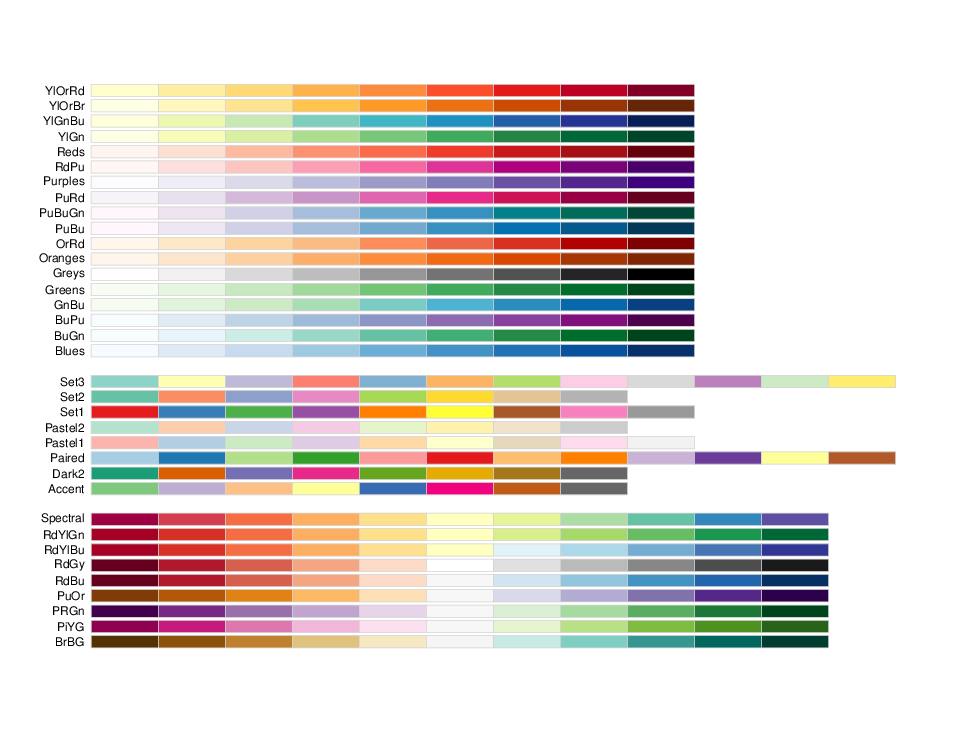
  • RColorBrewer palette names

    RColorBrewer palette names.

  • Nice guide for R graphics http blog revolutionanalytics…

    Nice guide for R graphics

    http://blog.revolutionanalytics.com/2009/01/10-tips-for-making-your-r-graphics-look-their-best.html

  • Sometimes R gives the error message Error in…

    Sometimes R gives the error message.

    Error in X11(d$display, d$width, d$height, d$pointsize, d$gamma, d$colortype,  : 
      unable to start device X11cairo
    

    Here is the fix.

    Sys.setenv("DISPLAY"=":0.0")
    
  • Two ways to save a plot in png…

    Two ways to save a plot in png.

    dev.copy() saves the plot with transparent background while savePlot() with white background.
    See the difference.

    dev.copy(device = png, file = "devcopy.png")
    dev.off()
    
    savePlot(file = "saveplot.png")
    

    Saved by dev.copy()
    Saved by savePlot()

  • Using discontinuous axis or breaks may not…

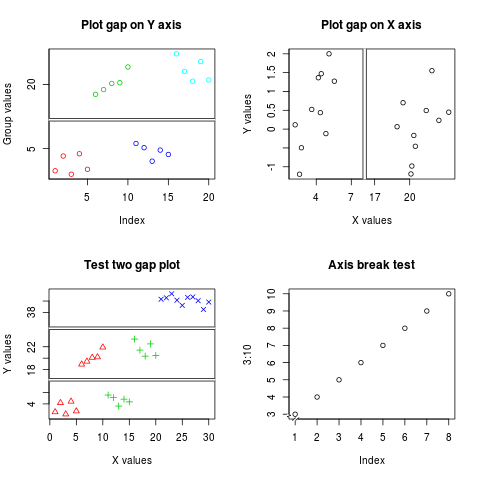
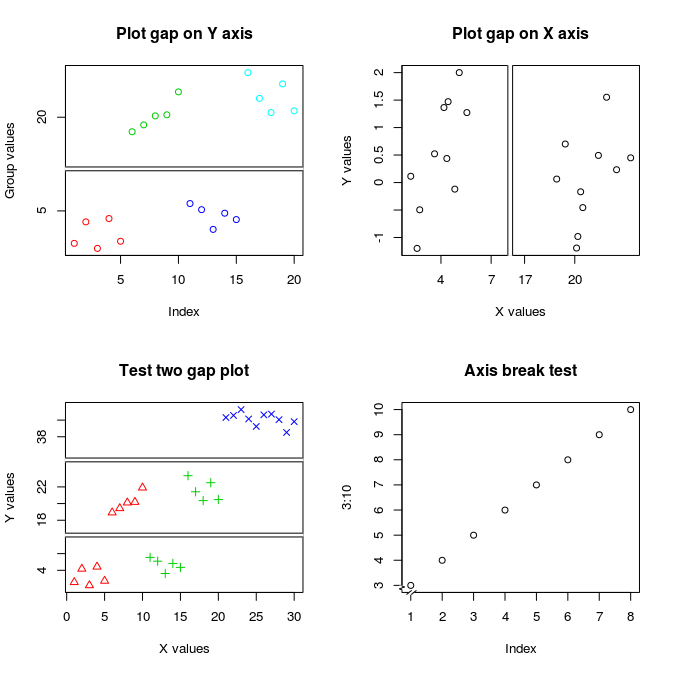
    Using discontinuous axis or “breaks” may not be a good idea to visualize data.
    Instead, use two plots, one with the whole data and another for zoomed data.
    However, if the situation is not allowed, there is an R package to do it.
    The package plotrix can put breaks or gaps on the axes.

  • Using smooth spline in stat scale in ggplot2…

    Using smooth.spline in stat_scale in ggplot2

    smooth.spline2 <- function(formula, data, ...) { 
      mat <- model.frame(formula, data) 
      smooth.spline(mat[, 2], mat[, 1]) 
    } 
    
    predictdf.smooth.spline <- function(model, xseq, se, level) { 
      pred <- predict(model, xseq) 
      data.frame(x = xseq, y = pred$y) 
    } 
    
    qplot(mpg, wt, data = mtcars) + geom_smooth(method = "smooth.spline2", se= F)
    

    From: http://groups.google.com/group/ggplot2/browse_thread/thread/149dfa0891fe383a

  • Network visualization tool http://gephi …

    Network visualization tool
    http://gephi.org/

  • Print summary results or other outputs o …

    Print summary results or other outputs on the R plot

    Use capture.output.

    summary.text <- paste(capture.output(summary(avg.score.per.pos)), collapse="\n")
    mtext(summary.text)
    
  • Getting names while applying sapply or l …

    Getting names while applying sapply or lapply in R.
    sapply or lapply extract the element without the row name.
    So this code does not work.

    par(mfrow = c(4,4))
    sapply(names(score.avg)
           , function(x) {
               plot(x
                    , type = 'l'
                  );
               title(main=names(x))      
               })
    

    In order to use the row names while applying sapply or apply,
    pass the names of the list to a function and call the values using the names.

    par(mfrow = c(4,4))
    sapply( loon-plage rencontre femme célibataire names(score.avg)
           , function(x) {
               xlength <- length(score.avg[[x]]);         
               plot(-499:(xlength-499-1),  passez sur ce site score.avg[[x]]
                    , type = 'l'
                    , xlab='Distance from TSS', ylab='score'
                 #   , xlim=c(-100,100)
                  );
               title(main=x, cex.main=0.85);
               })